
Organize a shoot folder with your agent
Give the recording, reference stills and working shot list one home. When your editor asks for a take, you can point to the moment in the original and the decision you made about it.
Start with the files you already have
A shoot can leave you with a camera original, six reference stills, a deck and a note called “use this one.” Bring those files into one project folder in Filepod. If you already capture a folder from your Mac, start with the files that have arrived in your library.
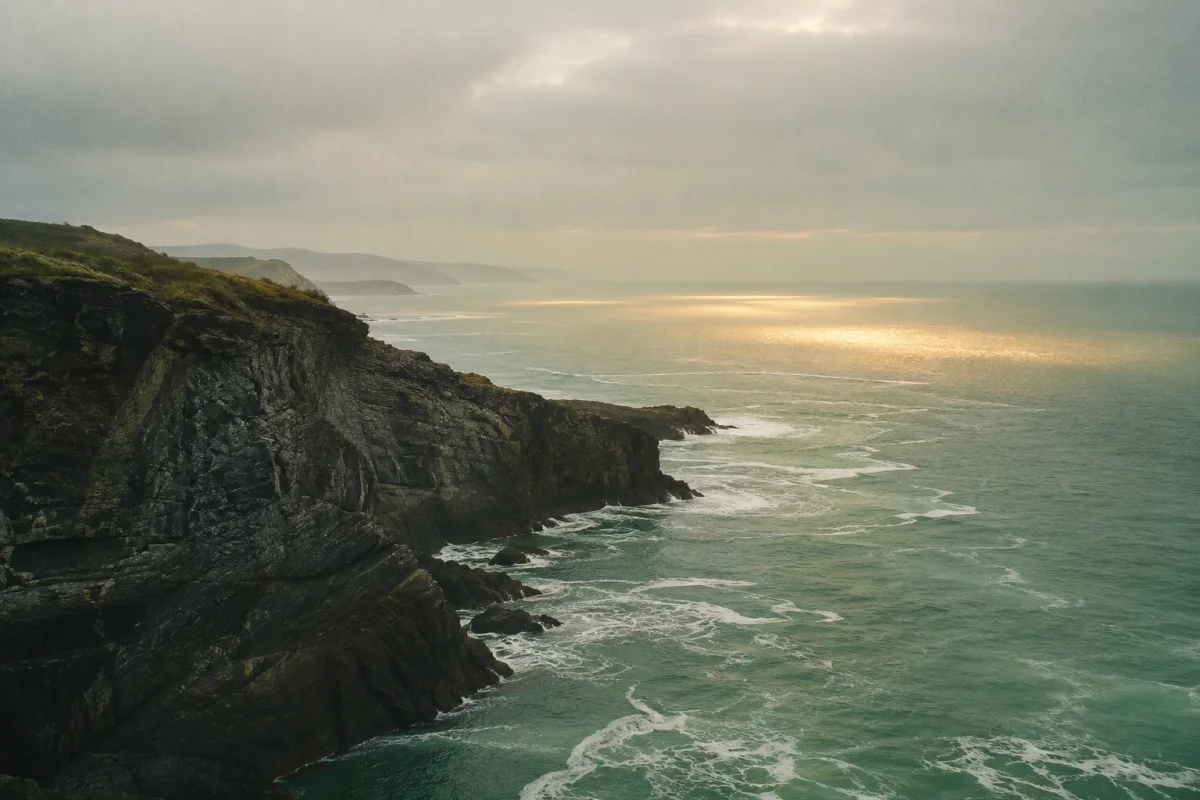
In our Coastline example, North coast field takes.mp4 is the recording. Headland still.webp is a reference. Coastline field notes and the Coastline shot list are working files. Keeping the sheet at the top level gives you a place to record decisions as you sort.
Give your agent a sorting rule
Ask the agent you connected to Filepod to organize this project. Name the folder and describe what belongs together. Here’s a prompt you can adapt.
Organize my Coastline folder. Put recordings in Footage, reference images in Stills, and the field notes in Notes. Reuse any folders that already exist. Move the original files and keep the shot list at the top level. Leave anything you can’t identify where it is and tell me its name.
Write the decision beside the source
Suppose the editor asks for “the bit about the last light.” In our filmed demo, that phrase matched a caption in North coast field takes.mp4. The link opens two seconds into the recording, where you hear “We stayed for the last light.”
The shot list has a second time to keep track of. During the demo the “Voice enters” cue moved from 00:03 to 00:05 in the existing sheet. Save the link and the cue together. An editor opening the sheet later can hear the source at 00:02 and bring it into the cut at 00:05.
Collect the files for delivery
Once you’ve chosen what to deliver, give those files a folder of their own. Our Client delivery folder contains Headland still.webp, Delivery notes, and the Coastline treatment deck. You can open that folder to check the deliverables before you share them.
